第14章:最小SagaをTypeScriptで動かす(ローカル疑似)🧪💻
今日のゴール🎯✨
- ✅ 最小のSaga(Step/Compensationのペア) をコードで書ける
- ✅ ローカルで実行して、処理の流れを体験できる
- ✅ Sagaログ(実行履歴) を見て「どこまで進んだか」を説明できる👀📒
14.1 まずは“動く箱”を作る📦✨(プロジェクト作成)
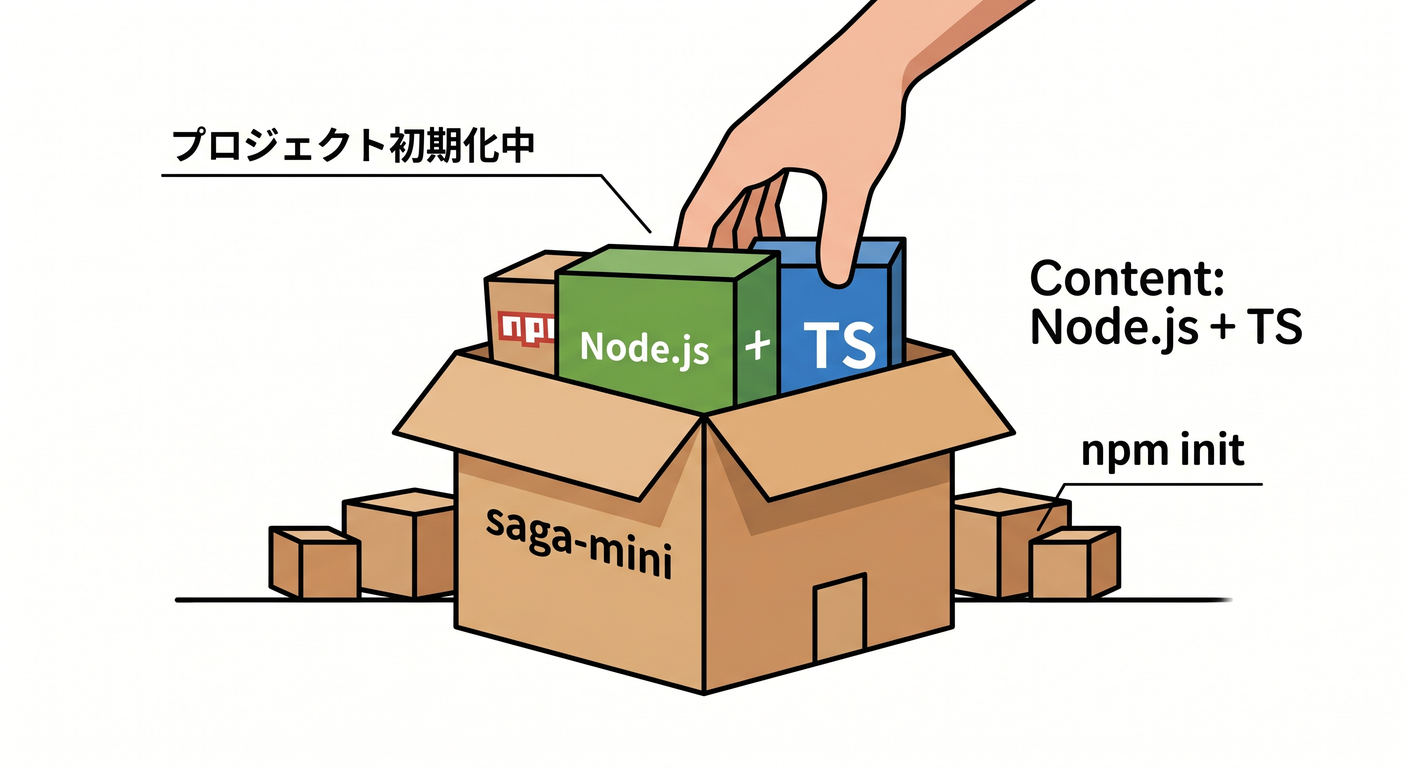
TypeScriptは現在 5.9系が安定版として広く使われている流れなので、この章はそれ前提でいくよ🧸✨(6.0/7.0の話題はあるけど、まずは安定運用しやすい形で!) (GitHub)
① フォルダ作成&初期化📁
mkdir saga-mini
cd saga-mini
npm init -y
② 依存関係を入れる🧩
tsx を使うと、TypeScriptをサクッと実行できて楽ちんだよ🍰💨 (npmjs.com)
npm i -D typescript tsx @types/node
14.2 package.json に実行コマンドを追加🏃♀️💨
package.json の "scripts" をこんな感じにするよ👇
{
  "scripts": {
    "dev": "tsx src/main.ts",
    "dev:watch": "tsx watch src/main.ts"
  }
}
npm run dev:1回実行🧪npm run dev:watch:保存するたび自動で再実行🔁✨(便利!)
14.3 フォルダ構成を作る🗂️🌼
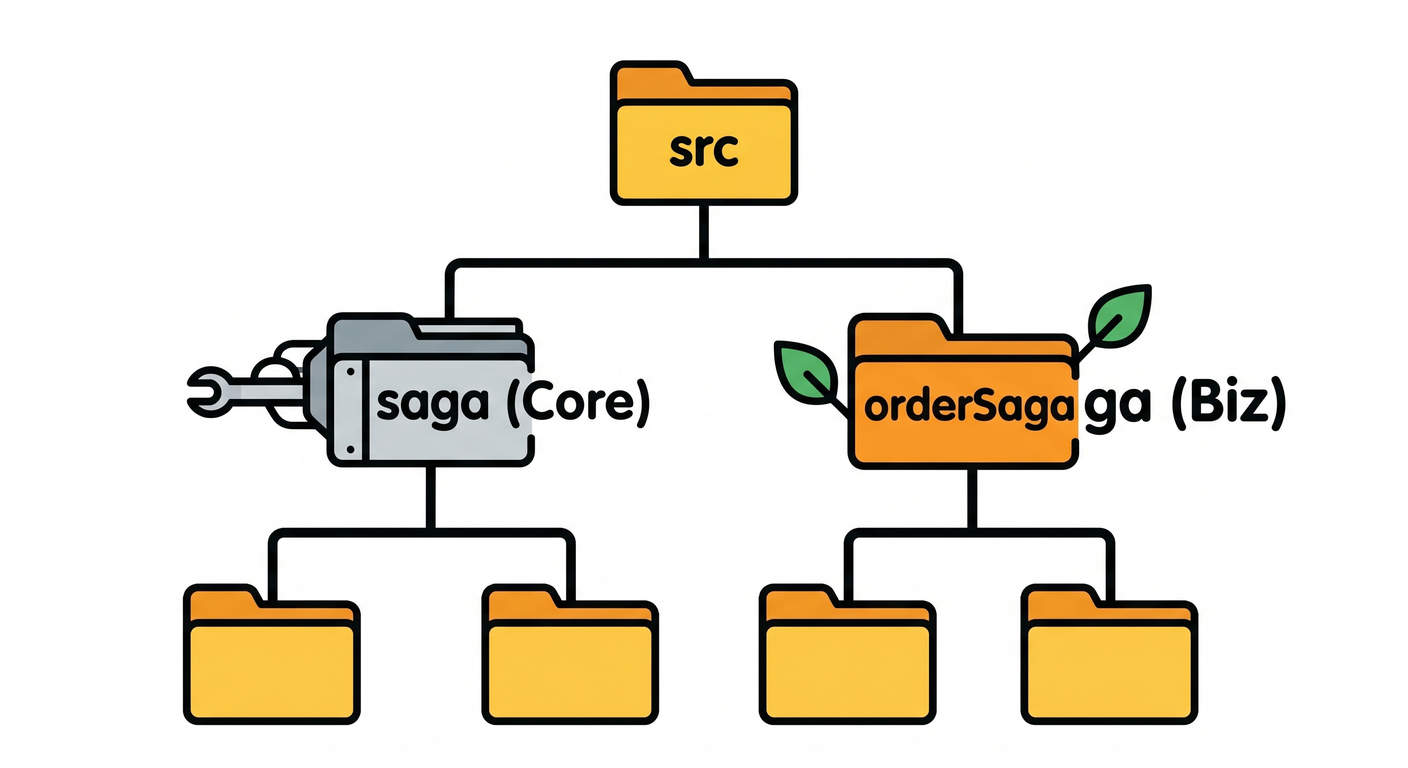
saga-mini/
  src/
    saga/
      types.ts
      inMemoryLogStore.ts
      runner.ts
    orderSaga/
      steps.ts
    util/
      sleep.ts
    main.ts
「Sagaの仕組み」と「注文の中身(ステップ)」を分けるのがポイントだよ✂️✨ → “ごちゃ混ぜ”を防ぐだけで、設計が一気にラクになる🧠🌱
14.4 Sagaの型(Step/Compensation)とログを作る📒🧩
まずは「Sagaって何を持てばいいの?」を 型で固定 しちゃうよ🛡️✨
src/saga/types.ts
export type SagaStatus =
  | "Running"
  | "Succeeded"
  | "Failed"
  | "Compensating"
  | "Compensated";

export type SagaEvent =
  | { type: "SagaStarted"; at: string }
  | { type: "StepStarted"; at: string; step: string }
  | { type: "StepSucceeded"; at: string; step: string }
  | { type: "SagaSucceeded"; at: string }
  | { type: "SagaFailed"; at: string; error: string }
  | { type: "CompensationStarted"; at: string; step: string }
  | { type: "CompensationSucceeded"; at: string; step: string }
  | { type: "SagaCompensated"; at: string };

export type SagaLog = {
  sagaId: string;
  status: SagaStatus;
  startedAt: string;
  finishedAt?: string;
  executedSteps: string[]; // 成功したStepの順番✅
  events: SagaEvent[];     // 何が起きたかの時系列📌
};

export type Step<C> = {
  name: string;
  run: (ctx: C) => Promise<void>;        // 順方向✅
  compensate: (ctx: C) => Promise<void>; // 補償🧯
};

export interface SagaLogStore {
  init(sagaId: string): SagaLog;
  save(log: SagaLog): Promise<void>;
  load(sagaId: string): Promise<SagaLog | undefined>;
}
ここで大事なのは👇
executedSteps:どこまで成功したか(補償の逆順実行に必要🔁)events:調査用の時系列ログ(運用で命綱!)🧵✨

14.5 ログ保存(まずはメモリでOK)🧠📒

最初はシンプルに「メモリに保存」でいくよ🌷
src/saga/inMemoryLogStore.ts
import type { SagaLog, SagaLogStore } from "./types";

export class InMemorySagaLogStore implements SagaLogStore {
  private map = new Map<string, SagaLog>();

  init(sagaId: string): SagaLog {
    const now = new Date().toISOString();
    const log: SagaLog = {
      sagaId,
      status: "Running",
      startedAt: now,
      executedSteps: [],
      events: [{ type: "SagaStarted", at: now }],
    };
    this.map.set(sagaId, log);
    return log;
  }

  async save(log: SagaLog): Promise<void> {
    this.map.set(log.sagaId, log);
  }

  async load(sagaId: string): Promise<SagaLog | undefined> {
    return this.map.get(sagaId);
  }
}
14.6 SagaRunner(順番に実行する司令塔)🎻🧠
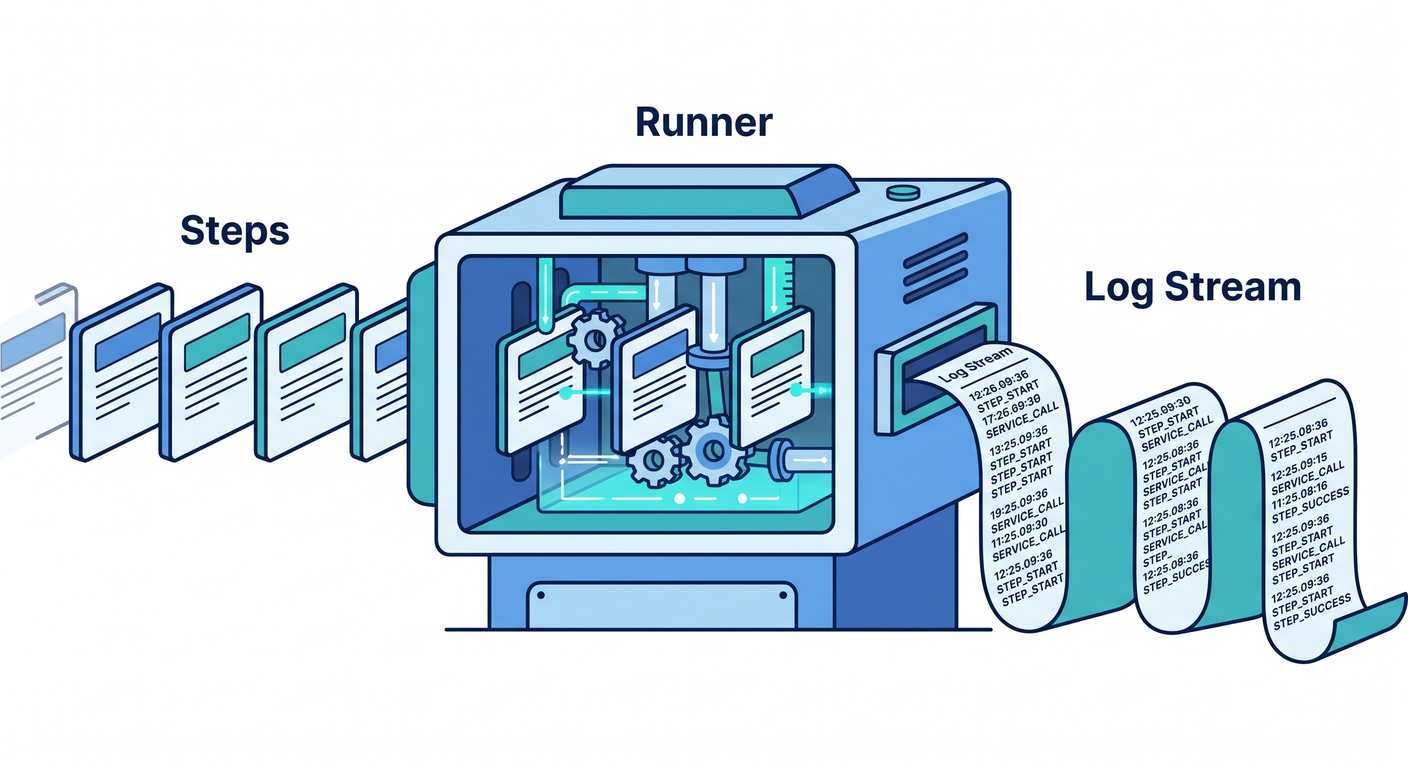
この章は「成功パスを動かす」けど、失敗したときに補償へ行ける道も作っておくよ🧯✨(本格的に遊ぶのは次章😈)
src/saga/runner.ts
import type { SagaEvent, SagaLog, SagaLogStore, Step } from "./types";

const now = () => new Date().toISOString();

export class SagaRunner<C> {
  constructor(
    private readonly steps: Step<C>[],
    private readonly store: SagaLogStore
  ) {}

  async execute(sagaId: string, ctx: C): Promise<SagaLog> {
    let log = this.store.init(sagaId);

    try {
      for (const step of this.steps) {
        log = this.push(log, { type: "StepStarted", at: now(), step: step.name });
        await this.store.save(log);

        await step.run(ctx);

        log.executedSteps.push(step.name);
        log = this.push(log, { type: "StepSucceeded", at: now(), step: step.name });
        await this.store.save(log);
      }

      log.status = "Succeeded";
      log.finishedAt = now();
      log = this.push(log, { type: "SagaSucceeded", at: log.finishedAt });
      await this.store.save(log);

      return log;
    } catch (err) {
      const error = err instanceof Error ? `${err.name}: ${err.message}` : String(err);

      log.status = "Failed";
      log = this.push(log, { type: "SagaFailed", at: now(), error });
      await this.store.save(log);

      // 失敗したら、成功済みのStepを逆順で補償する🧯🔁
      log = await this.compensate(ctx, log);
      return log;
    }
  }

  private async compensate(ctx: C, log: SagaLog): Promise<SagaLog> {
    log.status = "Compensating";
    await this.store.save(log);

    const executed = [...log.executedSteps].reverse();
    for (const stepName of executed) {
      const step = this.steps.find((s) => s.name === stepName);
      if (!step) continue;

      log = this.push(log, { type: "CompensationStarted", at: now(), step: step.name });
      await this.store.save(log);

      await step.compensate(ctx);

      log = this.push(log, { type: "CompensationSucceeded", at: now(), step: step.name });
      await this.store.save(log);
    }

    log.status = "Compensated";
    log.finishedAt = now();
    log = this.push(log, { type: "SagaCompensated", at: log.finishedAt });
    await this.store.save(log);

    return log;
  }

  private push(log: SagaLog, event: SagaEvent): SagaLog {
    log.events.push(event);
    return log;
  }
}
14.7 “外部サービスっぽさ”をローカルで再現する⏳🧪
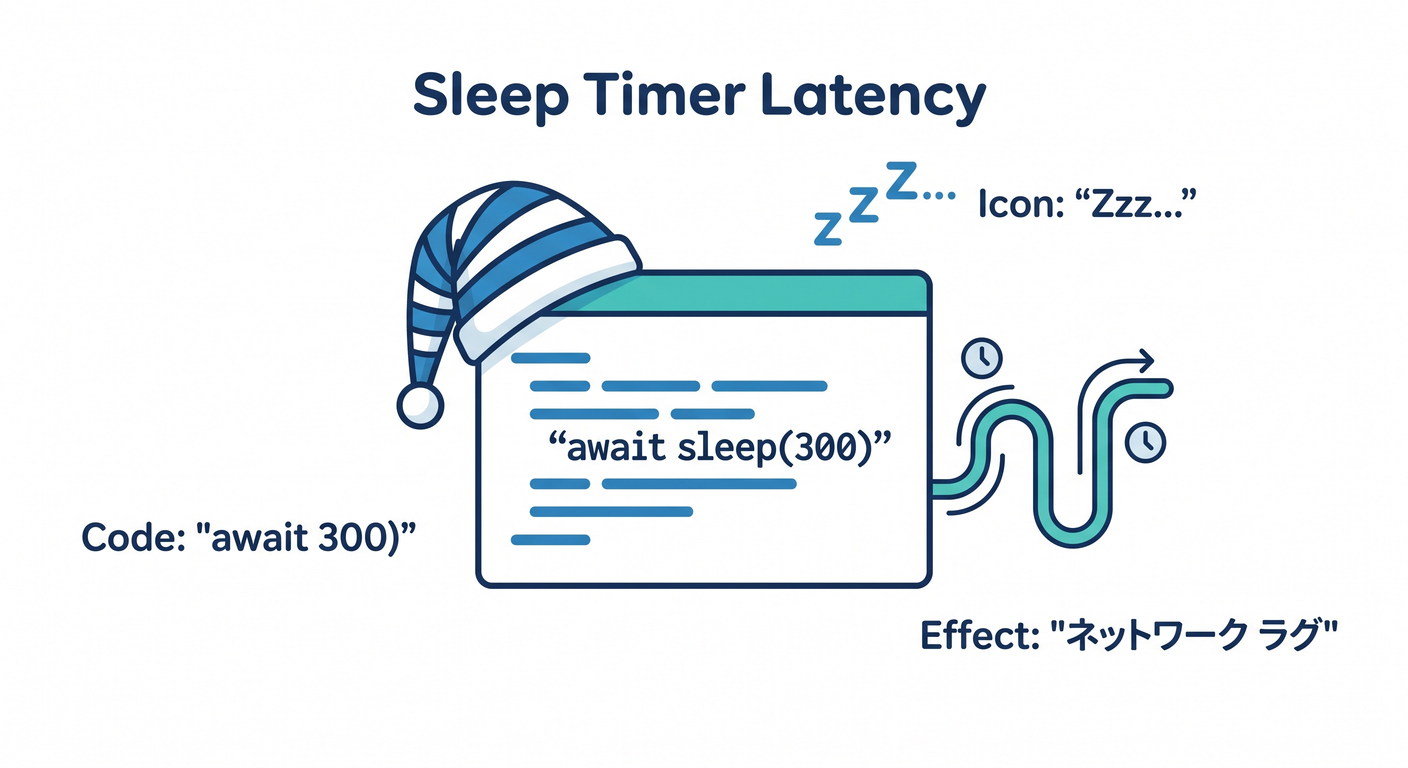
ちょっと待つだけで「通信してる感」が出るよ📡✨
src/util/sleep.ts
export const sleep = (ms: number) =>
  new Promise<void>((resolve) => setTimeout(resolve, ms));
14.8 注文Saga(ステップ3つ)を作る🛒💳📦
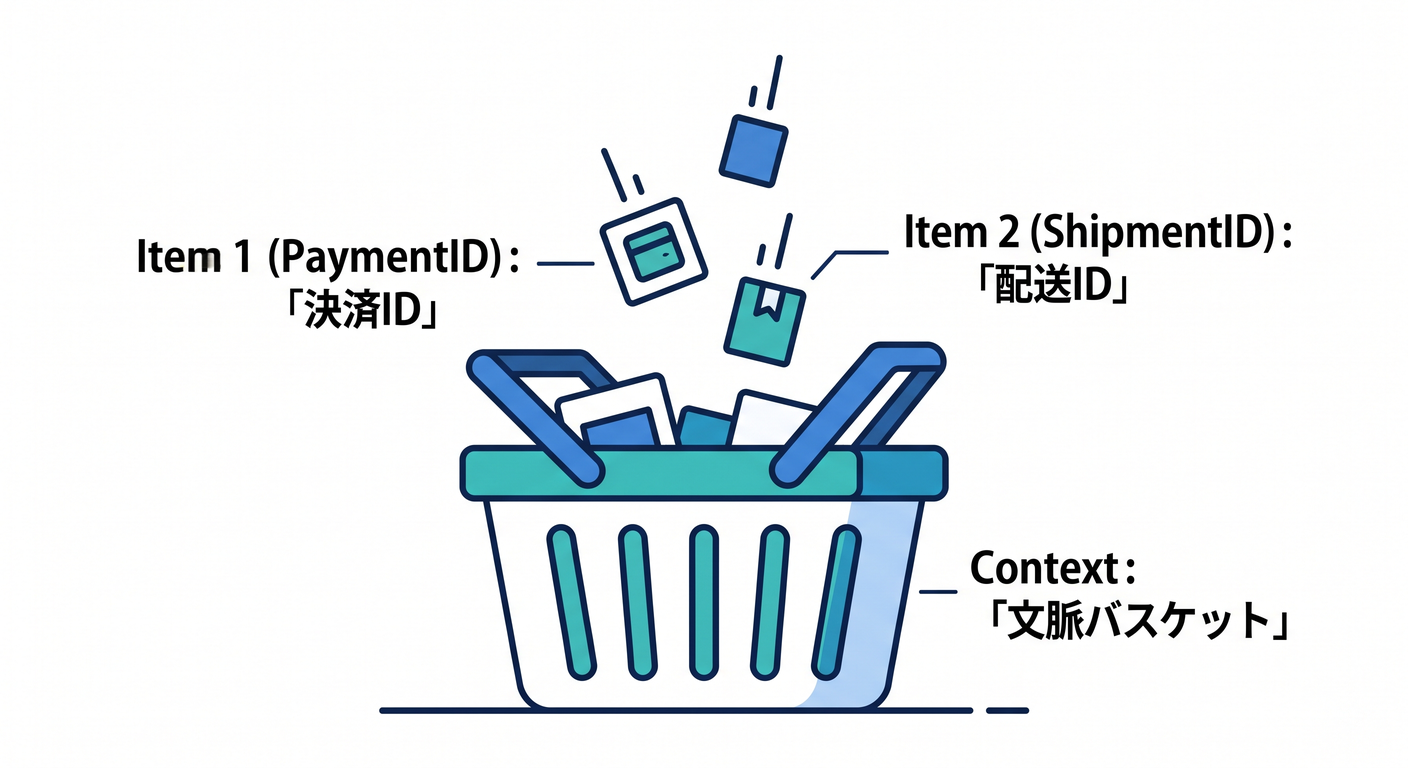
今回は「外部サービス無し」なので、IDを作ってctxに入れるだけにするよ🧁✨
src/orderSaga/steps.ts
import { randomUUID } from "node:crypto";
import type { Step } from "../saga/types";
import { sleep } from "../util/sleep";

export type OrderSagaContext = {
  orderId: string;
  amountYen: number;
  items: { sku: string; qty: number }[];

  inventoryReservationId?: string;
  paymentId?: string;
  shipmentId?: string;
};

const reserveInventory: Step<OrderSagaContext> = {
  name: "ReserveInventory",
  async run(ctx) {
    console.log("📦 在庫を確保するよ…");
    await sleep(300);
    ctx.inventoryReservationId = `inv_${randomUUID().slice(0, 8)}`;
    console.log(`✅ 在庫確保OK: ${ctx.inventoryReservationId}`);
  },
  async compensate(ctx) {
    console.log("🧯 在庫確保を取り消すよ…");
    await sleep(200);
    console.log(`↩️ 在庫戻した!(予約ID: ${ctx.inventoryReservationId ?? "なし"})`);
  },
};

const chargePayment: Step<OrderSagaContext> = {
  name: "ChargePayment",
  async run(ctx) {
    console.log("💳 決済するよ…");
    await sleep(300);
    ctx.paymentId = `pay_${randomUUID().slice(0, 8)}`;
    console.log(`✅ 決済OK: ${ctx.paymentId}(¥${ctx.amountYen})`);
  },
  async compensate(ctx) {
    console.log("🧯 返金するよ…");
    await sleep(200);
    console.log(`↩️ 返金した!(決済ID: ${ctx.paymentId ?? "なし"})`);
  },
};

const createShipment: Step<OrderSagaContext> = {
  name: "CreateShipment",
  async run(ctx) {
    console.log("🚚 配送を手配するよ…");
    await sleep(300);
    ctx.shipmentId = `ship_${randomUUID().slice(0, 8)}`;
    console.log(`✅ 配送手配OK: ${ctx.shipmentId}`);
  },
  async compensate(ctx) {
    console.log("🧯 配送手配をキャンセルするよ…");
    await sleep(200);
    console.log(`↩️ キャンセルした!(配送ID: ${ctx.shipmentId ?? "なし"})`);
  },
};

export const orderSagaSteps: Step<OrderSagaContext>[] = [
  reserveInventory,
  chargePayment,
  createShipment,
];
14.9 実行してみよう!🚀✨(成功パス)
src/main.ts
import { randomUUID } from "node:crypto";
import { InMemorySagaLogStore } from "./saga/inMemoryLogStore";
import { SagaRunner } from "./saga/runner";
import { orderSagaSteps, type OrderSagaContext } from "./orderSaga/steps";

async function main() {
  const sagaId = `order-saga_${randomUUID().slice(0, 8)}`;

  const ctx: OrderSagaContext = {
    orderId: `ORDER_${randomUUID().slice(0, 8)}`,
    amountYen: 4980,
    items: [{ sku: "BOOK-001", qty: 1 }],
  };

  const store = new InMemorySagaLogStore();
  const runner = new SagaRunner<OrderSagaContext>(orderSagaSteps, store);

  console.log(`\n🚀 Sagaスタート! sagaId=${sagaId} / orderId=${ctx.orderId}\n`);

  const log = await runner.execute(sagaId, ctx);

  console.log("\n📒 最終ログ(SagaLog)👇\n");
  console.dir(log, { depth: null });

  console.log("\n🧾 最終コンテキスト(ctx)👇\n");
  console.dir(ctx, { depth: null });

  console.log("\n🎉 おつかれさま!成功パス完走〜!\n");
}

main().catch((e) => {
  console.error("💥 想定外エラー", e);
  process.exitCode = 1;
});
実行コマンド🧪
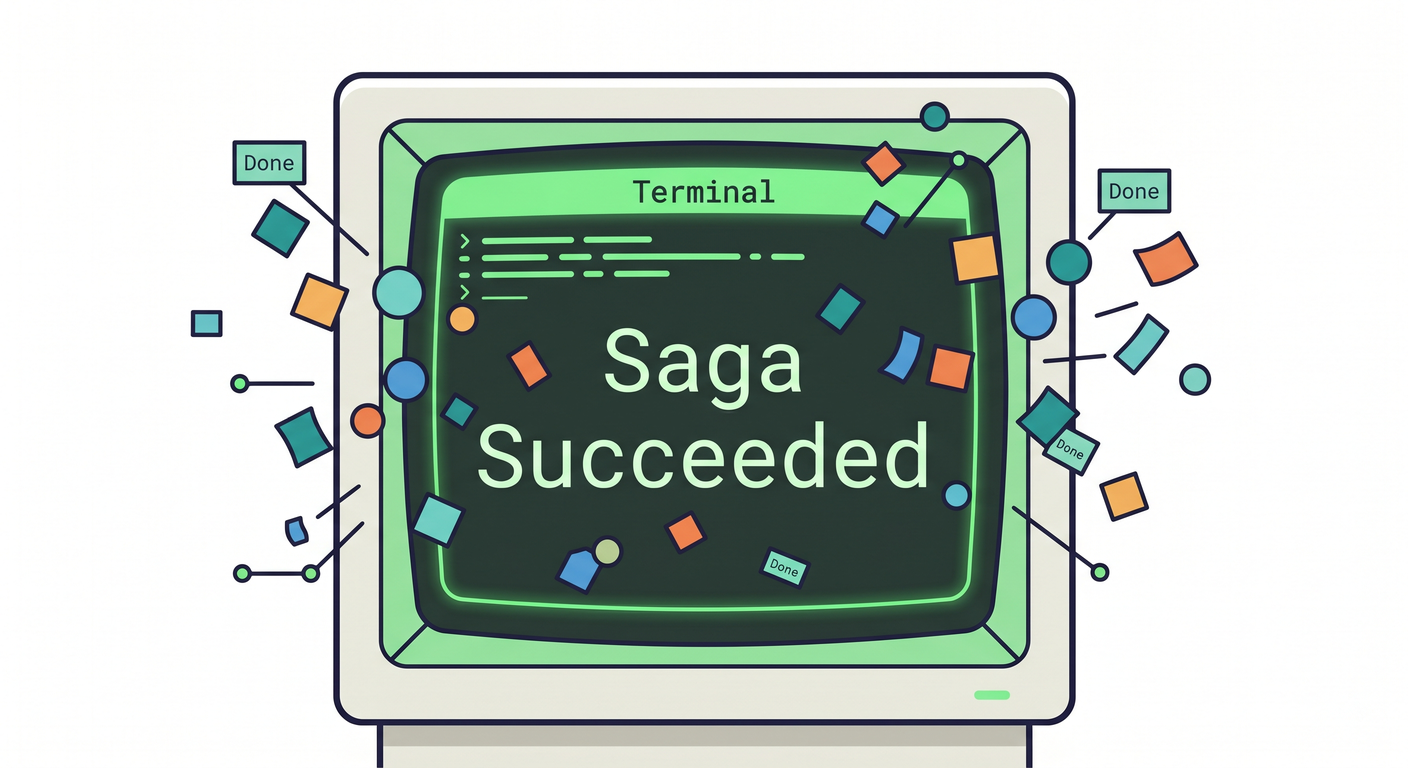
npm run dev
14.10 ログの“見どころ”👀📌
出力された SagaLog で、まずここだけ見ればOKだよ✨
status:最後どうなった?(この章はSucceededを目指す🎉)executedSteps:成功した順番が入ってる✅events:時系列で「開始→Step開始→Step成功→完了」が並ぶ📈
この「ログがちゃんと残る」があるだけで、Sagaは一気に“運用できるもの”に近づくよ🧵✨ (後の章で リトライ/タイムアウト/冪等性 をやるときに超重要🔑)
14.11 ちょい最新トピック(おまけ)📰✨
最近のNode.jsでは TypeScriptをネイティブ実行する“Type Stripping” の話も進んでるよ(例:Node.js v25.2.0で安定版になった、という報道)🧁 (publickey1.jp) ただし Node.js は LTS(長期サポート)を使うのが安全 な場面が多いので、この章は tsxで安定して動かす方針にしてるよ💡 (nodejs.org)
章末ミニ演習📝💖(成功パスを通してログを見る👀)
演習1:ログ観察クイズ🔎
executedStepsはどんな順番になってた?📌eventsの中で「StepStarted」「StepSucceeded」は何回ずつあった?🔁ctxの中で、実行後に増えたプロパティはどれ?✨
演習2:ステップ追加してみよ➕🍪
-
SendEmail(メール送信っぽい処理📧)を追加して、最後に実行してみてねrun:ctxにemailIdを入れるcompensate:emailIdを使って「取り消し」っぽいログを出す
AI活用(ちょいコツ)🤖✨
- 「Stepをもう1個追加したい」→ “既存のStepと同じ形で、ctxに値を追加するStepを書いて” と頼む
- 「ログの型が分からない」→ “SagaLogに入れるべき最小項目を箇条書きして、その後に型定義して” と頼む
- 出てきたコードは “型が安全か?” と “ログが残るか?” だけ人間がチェック✅👀