第23章:Abstract Factory ④ まとめ演習:家族の不整合を防ぐテスト✅
この章のゴール🎯✨
- 「通知チャンネル(メール / アプリ内)」を切り替えても、テンプレと送信手段がズレないようにする📩📲
- ズレたら (1) 型で止める🧠 → (2) テストで止める🧪 の2段構えを作る💪✨
- Abstract Factory が「整合性の門番🚪」になる感覚をつかむ✅
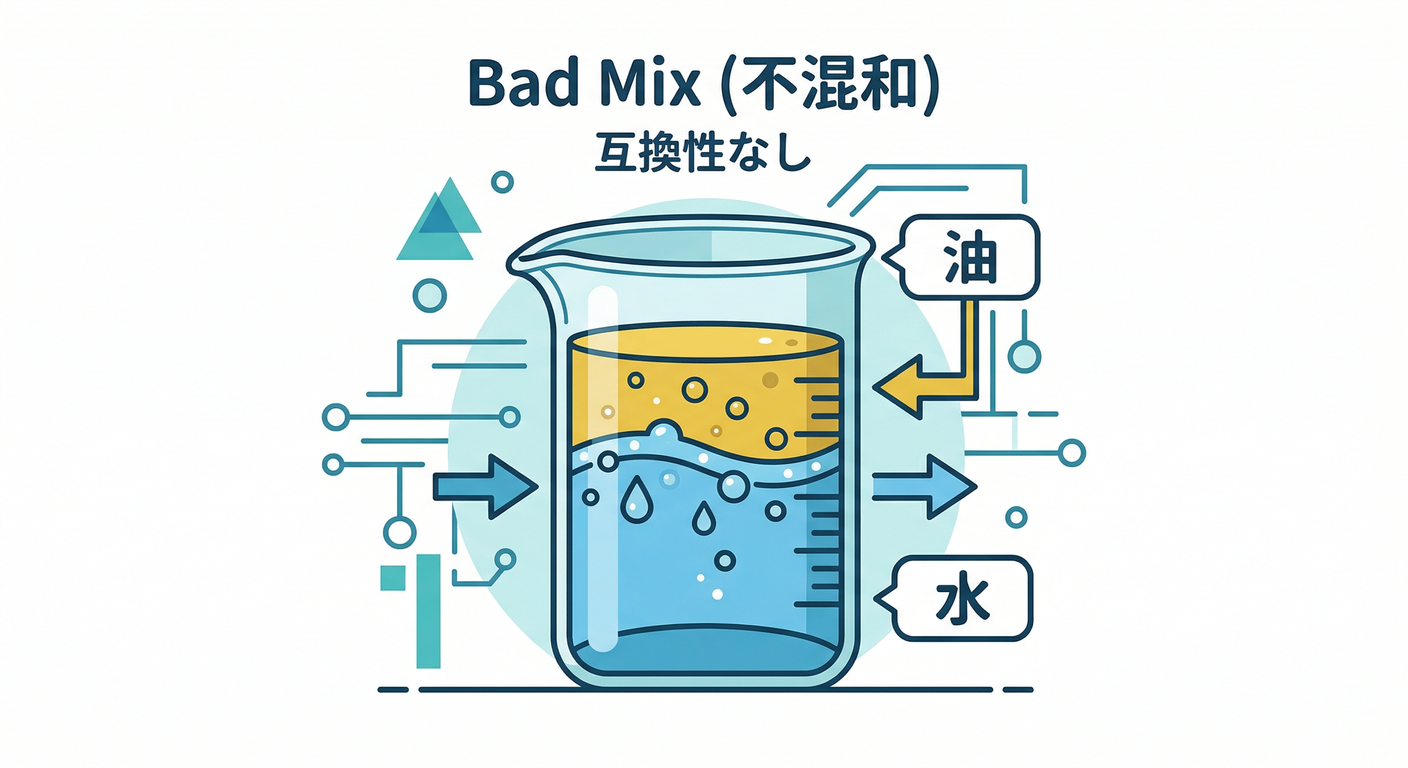
1) まず“事故る設計”をわざと作ろう😇💥
ありがちな事故パターン🌀
「テンプレ」と「送信」を 別々に 選べるようにしちゃうと…
- メール用テンプレ(
subjectあり) - アプリ内通知の送信(
title前提)
みたいに、前提が違う同士がくっついて爆発💣しがち。
題材:注文確定の通知☕🧾
email:宛先メール + 件名 + 本文inApp:ユーザーID + タイトル + 本文
💥ダメ例(“雑に共通化”して型が守ってくれない)
// notification-bad.ts
type Channel = "email" | "inApp";
type Order = {
id: string;
customerName: string;
totalYen: number;
};
// それっぽく共通化したつもり…でも実は情報が足りない😵💫
type AnyMessage = { body: string };
// 送信もテンプレも「AnyMessage」で雑に統一しちゃう
type Sender = (msg: AnyMessage) => Promise<void>;
type Template = (order: Order) => AnyMessage;
const emailTemplate: Template = (order) => ({
body: `【ご注文 #${order.id}】合計 ${order.totalYen}円です☕`,
});
const inAppTemplate: Template = (order) => ({
body: `注文できたよ! 合計 ${order.totalYen}円🎉`,
});
const sendEmail: Sender = async (msg) => {
// 本当は subject とか to とか欲しいのに…ない😇
// ここで仕様がズレてるのに型が気づけないのが問題💥
console.log("EMAIL:", msg.body);
};
const sendInApp: Sender = async (msg) => {
console.log("IN-APP:", msg.body);
};
// ✅ どの組み合わせでもコンパイル通っちゃう(危険!)
async function notifyBad(channelForSender: Channel, channelForTemplate: Channel, order: Order) {
const senderBy: Record<Channel, Sender> = { email: sendEmail, inApp: sendInApp };
const templateBy: Record<Channel, Template> = { email: emailTemplate, inApp: inAppTemplate };
const sender = senderBy[channelForSender];
const template = templateBy[channelForTemplate];
await sender(template(order)); // ← 間違った組み合わせでも止まらない😱
}
どこが痛い?😵💫
- 「共通化」の代償で 必要な情報(to/subject/title等)を型から消した
- その結果、“間違った組み合わせ”を型が止められない
- そして本番で「なんか通知変…」になる😇💥
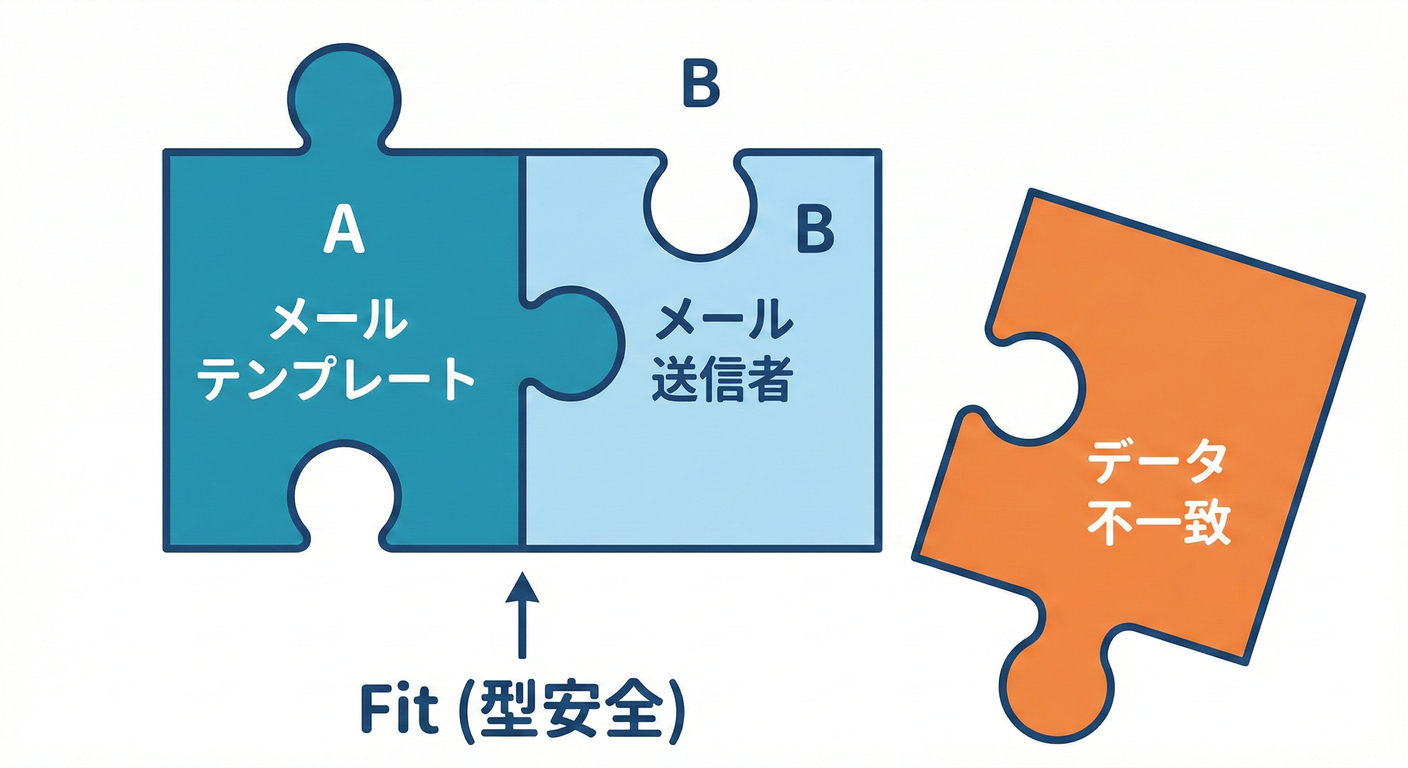
2) Abstract Factoryの出番✨「家族はセットで渡す」🧰👨👩👧👦
ここからが本題!
発想の転換💡
- ❌ テンプレと送信を別々に選ぶ
- ✅ Factoryが「テンプレ+送信」をセット(家族)で返す
つまり Abstract Factory はこういう役🎀
- 「このチャンネルなら、これとこれが正しい組み合わせだよ✅」って保証してくれる門番🚪✨
3) TypeScriptで“家族の整合性”を型で縛る🧠🔒
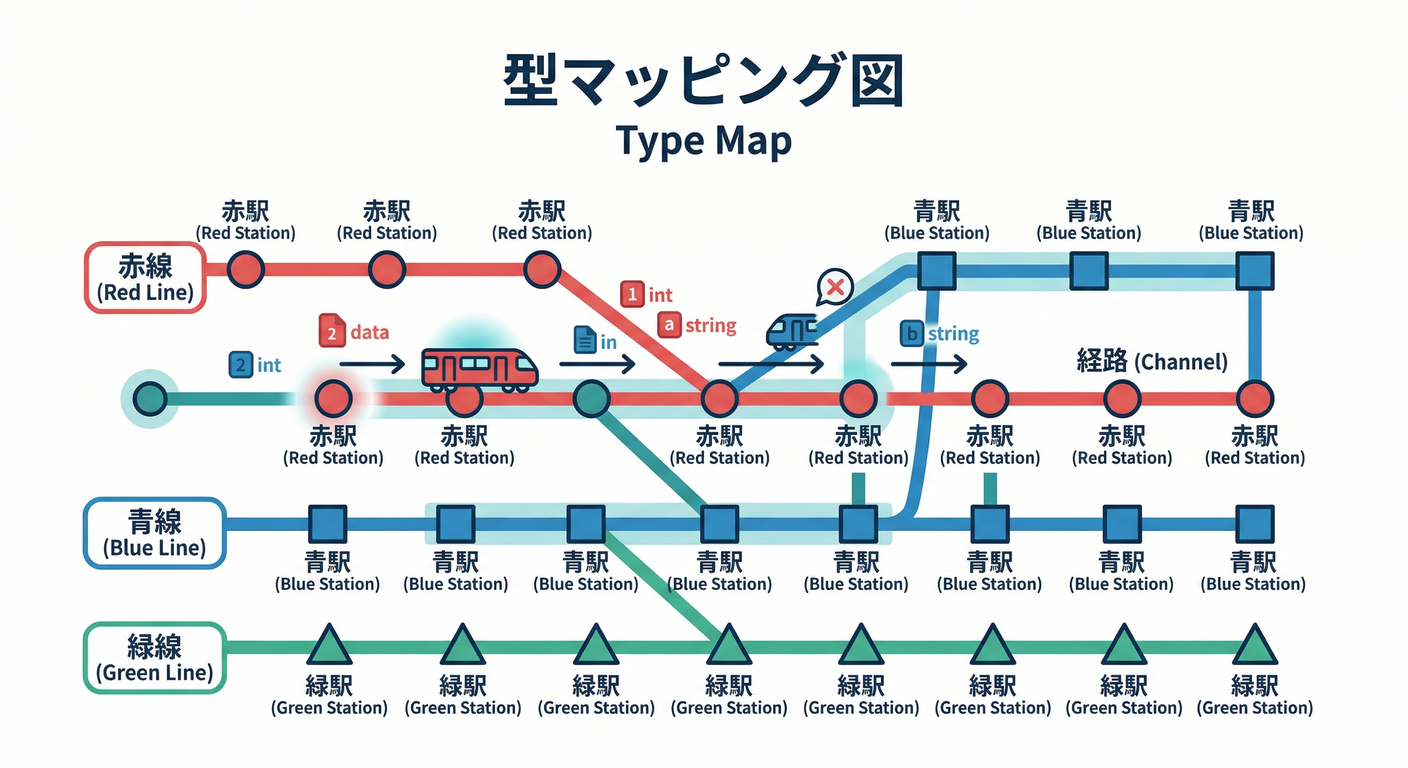
ポイントは マッピング型(対応表) を作ることだよ📌
✅ 正しい設計(Messageの形をチャンネルごとに分ける)
// notification.ts
export type Channel = "email" | "inApp";

export type Order = {
  id: string;
  customerName: string;
  totalYen: number;
};

export type MessageByChannel = {
  email: {
    to: string;
    subject: string;
    body: string;
  };
  inApp: {
    userId: string;
    title: string;
    body: string;
  };
};

export type SenderByChannel = {
  [K in Channel]: (msg: MessageByChannel[K]) => Promise<void>;
};

export type TemplateByChannel = {
  [K in Channel]: (order: Order) => MessageByChannel[K];
};

// Abstract Factory(家族を作る工場)🏭✨
export type NotificationFactory<K extends Channel> = {
  channel: K;
  createTemplate(): TemplateByChannel[K];
  createSender(): SenderByChannel[K];
};
✅ Factoryを2つ用意(メール / アプリ内)📩📲
「オレオレ独自クラス」は作らず、関数とオブジェクトでいくよ🧁✨
// factories.ts
import type { NotificationFactory, Order } from "./notification.js";

export const emailFactory: NotificationFactory<"email"> = {
  channel: "email",
  createTemplate: () => (order: Order) => ({
    to: `${order.customerName}@example.com`,
    subject: `ご注文 #${order.id} の確認 ☕`,
    body: `合計 ${order.totalYen}円です!またのご利用お待ちしてます🎀`,
  }),
  createSender: () => async (msg) => {
    // ここではデモとしてconsole(本番はメール送信APIなど)
    console.log("EMAIL TO:", msg.to);
    console.log("SUBJECT:", msg.subject);
    console.log("BODY:", msg.body);
  },
};

export const inAppFactory: NotificationFactory<"inApp"> = {
  channel: "inApp",
  createTemplate: () => (order: Order) => ({
    userId: order.customerName, // デモなので簡略化😉
    title: `注文できたよ🎉 (#${order.id})`,
    body: `合計 ${order.totalYen}円です☕`,
  }),
  createSender: () => async (msg) => {
    console.log("IN-APP USER:", msg.userId);
    console.log("TITLE:", msg.title);
    console.log("BODY:", msg.body);
  },
};
✅ “工場の選択”は as const+ジェネリクスが定番🧁✨
ここが超重要!
getFactory("email") の戻り値が ちゃんと emailFactory の型になるようにするよ💞
// registry.ts
import type { Channel, NotificationFactory } from "./notification.js";
import { emailFactory, inAppFactory } from "./factories.js";

const factories = {
  email: emailFactory,
  inApp: inAppFactory,
} as const;

// K を受け取ったら、K の Factory を返す(ズレない!)✅
export function getFactory<K extends Channel>(channel: K): NotificationFactory<K> {
  return factories[channel];
}
✅ 使う側:セットで取り出すだけ🎁✨
// notify.ts
import type { Channel, Order } from "./notification.js";
import { getFactory } from "./registry.js";

export async function notifyOrderConfirmed<K extends Channel>(channel: K, order: Order) {
  const factory = getFactory(channel);

  const template = factory.createTemplate();
  const sender = factory.createSender();

  const message = template(order); // message の型が channel と連動🧠✨
  await sender(message);           // 間違った組み合わせはコンパイルで止まる✅
}
4) “間違った組合せ”は本当に防げる?👀✨(型の威力)
✅ これは通る😊
import { getFactory } from "./registry.js";

const email = getFactory("email");
const makeEmail = email.createTemplate();
const sendEmail = email.createSender();

// EmailMessage なのでOK✅
await sendEmail(makeEmail({ id: "A1", customerName: "miku", totalYen: 1200 }));
❌ これは止まる(=勝ち!)🏆✨

import { getFactory } from "./registry.js";

const email = getFactory("email");
const inApp = getFactory("inApp");

const makeEmail = email.createTemplate();
const sendInApp = inApp.createSender();

// @ts-expect-error: inApp sender は inApp message しか受け取れない✅
await sendInApp(makeEmail({ id: "A1", customerName: "miku", totalYen: 1200 }));
この @ts-expect-error は「ここはコンパイルエラーになってね」っていうTypeScript標準の“型テスト”テクだよ🧪🧠
(エラーにならなかったら逆に落ちる=守れてないってわかる!)
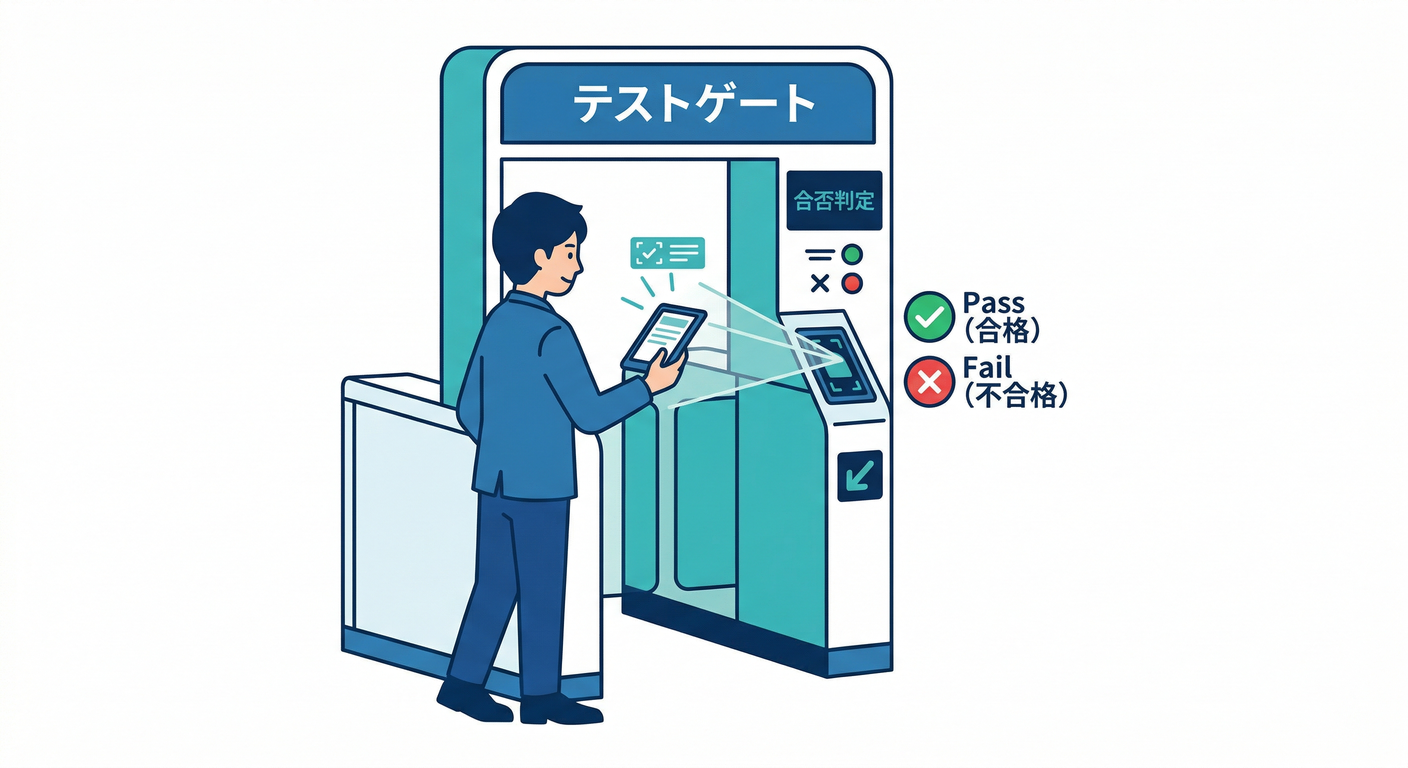
5) テストで「門番が働いてる」ことを確認しよう🧪✅
テスト環境のいまどきメモ📝✨
- TypeScript は 5.9 系が現役のリリースとして参照できるよ📘 (Microsoft for Developers)
- Node.js は v24 が Active LTS(本番向けの目安)として案内されてるよ🟢 (Node.js)
- テストは Vitest v4 系の情報が公式でまとまってて使いやすい🧪✨ (Vitest)
- Jest も v30 がStableとして案内されてるよ🧪 (Jest)
この章では例として Vitest でいくね🧁(軽くて速いのが嬉しい!)
6) ハンズオン:Vitestで“代表ケースだけ”テストする🧁🧪
まずは導入(最小)
npm i -D typescript vitest
例:送信を“本物”じゃなく“記録係”に差し替える📝✨
本番の送信は外部I/Oだから、テストでは「送った内容を配列に残す」だけにするのが楽ちん💞
// notify.test.ts
import { describe, it, expect } from "vitest";
import type { NotificationFactory, Order, MessageByChannel } from "./notification.js";

// “送ったやつ”をためるだけのsenderを作る🎁
function createRecordingSender<K extends keyof MessageByChannel>(out: MessageByChannel[K][]) {
  return async (msg: MessageByChannel[K]) => {
    out.push(msg);
  };
}

describe("Abstract Factory: 家族の整合性", () => {
  it("email factory は email のメッセージ形を作って送れる📩✅", async () => {
    const sent: MessageByChannel["email"][] = [];

    const emailFactory: NotificationFactory<"email"> = {
      channel: "email",
      createTemplate: () => (order: Order) => ({
        to: `${order.customerName}@example.com`,
        subject: `#${order.id}`,
        body: `${order.totalYen}円`,
      }),
      createSender: () => createRecordingSender(sent),
    };

    const order: Order = { id: "A1", customerName: "miku", totalYen: 1200 };

    const template = emailFactory.createTemplate();
    const sender = emailFactory.createSender();

    await sender(template(order));

    expect(sent).toHaveLength(1);
    expect(sent[0].to).toContain("@example.com");
    expect(sent[0].subject).toBe("#A1");
  });

  it("inApp factory は inApp のメッセージ形を作って送れる📲✅", async () => {
    const sent: MessageByChannel["inApp"][] = [];

    const inAppFactory: NotificationFactory<"inApp"> = {
      channel: "inApp",
      createTemplate: () => (order: Order) => ({
        userId: order.customerName,
        title: `#${order.id}`,
        body: `${order.totalYen}円`,
      }),
      createSender: () => createRecordingSender(sent),
    };

    const order: Order = { id: "B2", customerName: "miku", totalYen: 980 };

    const template = inAppFactory.createTemplate();
    const sender = inAppFactory.createSender();

    await sender(template(order));

    expect(sent).toHaveLength(1);
    expect(sent[0].title).toBe("#B2");
  });
});
実行🎬✨
npx vitest
7) 追加の“型テスト”も回す(ズレたらコンパイルで落とす🧠🧪)
さっきの @ts-expect-error を含むファイルを typecheck に入れると強いよ💪✨
{
  "scripts": {
    "typecheck": "tsc --noEmit",
    "test": "vitest"
  }
}
test:動きの確認✅typecheck:ズレた組合せが混ざってないか確認✅
2つあると安心感がぐんと上がるよ〜🎀✨
8) つまずきポイント集🧯💡
① getFactory の戻り値が NotificationFactory<Channel> になっちゃう😭
- ジェネリクス
K extends Channelを使って return factories[channel]を返す これで「channelと型が連動」するよ🧠✨
② 「テストで組合せ表ぜんぶやらなきゃ!」ってなる😵💫
代表だけでOK✅
- email 1本
- inApp 1本
- (追加チャンネルが増えたら、その分だけ1本ずつ)
「全組み合わせ」は、Abstract Factory がそもそも減らしてくれる世界だよ👨👩👧👦✨
③ Factoryが巨大化する😇
Factoryは「作る」だけ🏭✨
- 文章の業務判断
- 在庫チェック
- 決済 みたいなのは 入れない のがスッキリするよ🧼✨
9) 演習課題🍰🛠️(やると定着する!)
課題A:チャンネルを1つ増やす📨✨(例:sms)
MessageByChannelにsmsを追加smsFactoryを追加getFactoryの登録に追加- ✅
notifyOrderConfirmed("sms", order)が通る - ❌
smsSender(emailMessage)が@ts-expect-errorで止まる
課題B:テンプレに「注文ステータス」を追加しても崩れないようにする🚦
Orderにstatus: "confirmed" | "ready" | "pickedUp"を追加- email/inApp の文面をちょっと変える
- テスト1本追加(
readyのとき文言が変わる、など)✅
10) AIプロンプト例🤖💬(安全運転編🚗✨)
TypeScriptでAbstract Factoryを使って、通知(email / inApp)の
「テンプレ+送信」の不整合を型で防ぎたいです。

制約:
- 余計な独自クラスは作らず、関数とinterface/type中心
- Messageの形はチャンネルごとに違う(emailはsubjectあり等)
- getFactory(channel) の戻り値が channel と連動する型になるように
- 仕上げに Vitest の代表テスト2本(email/inApp)もください

出力:
1) 型設計 2) 実装 3) テスト 4) よくある失敗と回避策
✅ 章末チェック(できたら勝ち🎉)
- テンプレと送信が「セット」で選ばれる(別々に選べない)👨👩👧👦
- 間違った組合せは コンパイルで止まる 🧠🔒
- 代表ケースのテストで「門番が働いてる」ことを確認できた🧪✅
-
@ts-expect-errorで“ズレ混入”を型チェックで検知できる✨