第64章:Command ② TypeScript定番:関数Command+履歴配列📚
ねらい🎯
- Commandを「クラスの山」にせず、関数でスッキリ表現できるようになる✨
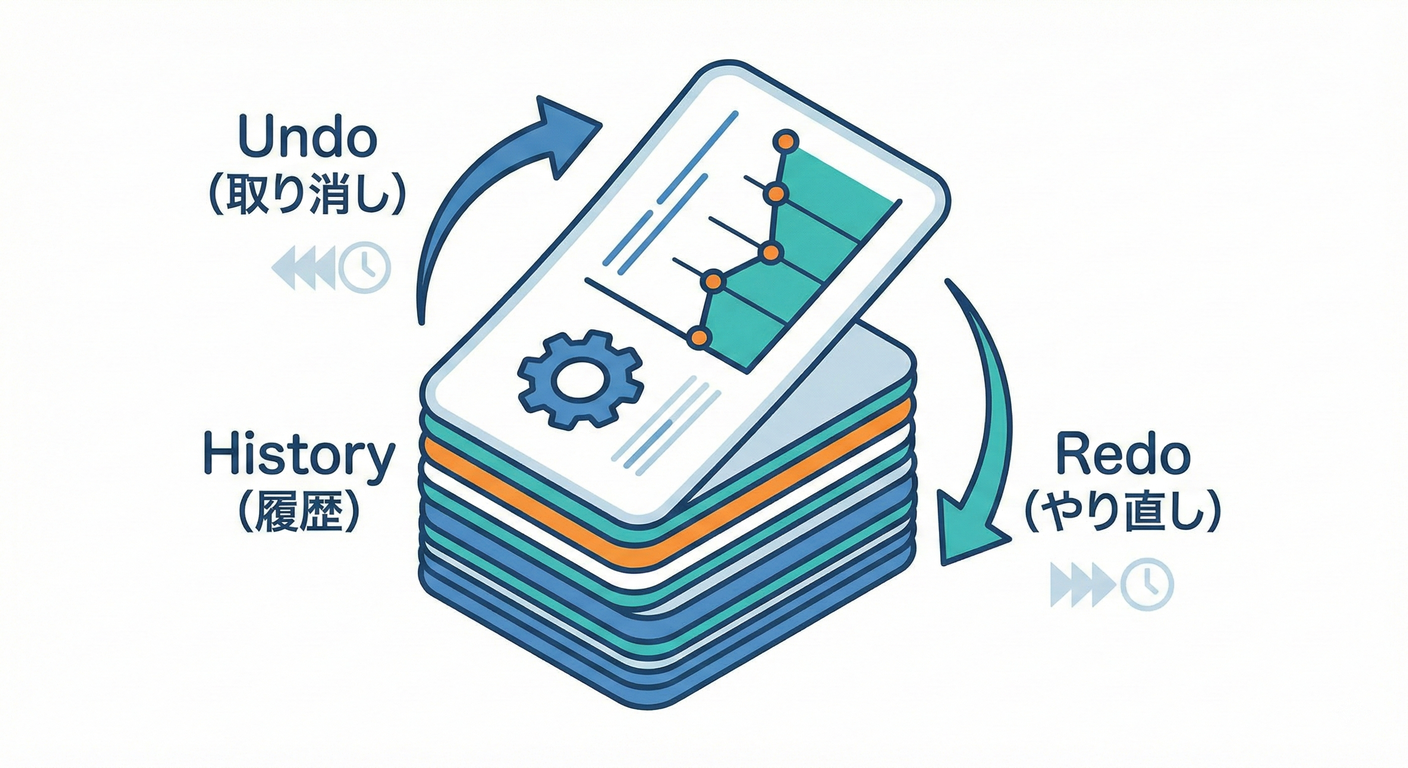
- **履歴配列(history)**を使って、Undo(取り消し)を実装できるようになる↩️
- 「副作用(DB/通信/ファイル)」を巻き込まない安全な範囲で、まず成功体験する🧡
1) Commandを“関数ペア”で表すのがTSの王道🧁✨

GoFのCommandは「操作をひとつの“命令”として扱う」パターンだよ🎮 TypeScriptでは、まずこれが一番ラク&読みやすい👇
- Command = do(実行) + undo(取り消し) の2つの関数
- 履歴 = 配列にpush(Undoしたらpop)
- 状態 = なるべく 不変(immutable) に扱う(コピーして返す)🧊
“不変”に寄せると、Undoが超やりやすくなるよ😊
2) ミニ題材:カフェ注文のトッピングをUndoしたい☕🍫↩️
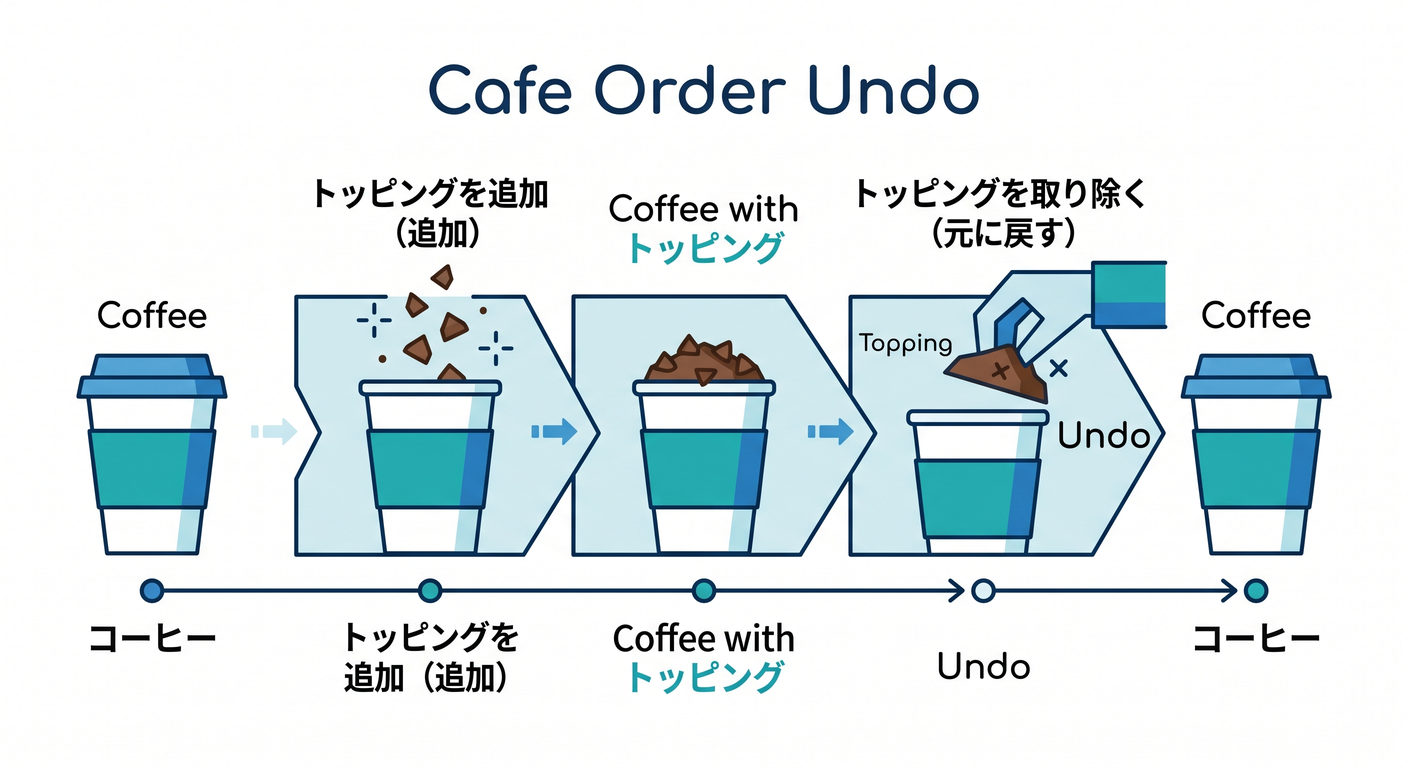
ここでは「注文(Order)」にトッピングを追加/削除する操作をCommand化するよ🍓 ポイントは 状態を直接書き換えず、新しい状態を返すこと🧊
3) 最小の型:CommandとHistory(汎用)🧩
// アプリの状態(ここでは注文だけ)
export type Order = Readonly<{
  id: string;
  basePrice: number;
  toppings: ReadonlyArray<string>;
}>;

export type AppState = Readonly<{
  order: Order;
}>;

// Commandは「やる」「戻す」の2関数 ✨
export type Command<S> = Readonly<{
  name: string;
  do: (state: S) => S;
  undo: (state: S) => S;
}>;

// 履歴(Undo用のスタック)📚
export type History<S> = {
  state: S;
  done: Command<S>[];
};

export function createHistory<S>(initial: S): History<S> {
  return { state: initial, done: [] };
}

export function execute<S>(h: History<S>, cmd: Command<S>): void {
  h.state = cmd.do(h.state);
  h.done.push(cmd);
}

export function undo<S>(h: History<S>): void {
  const cmd = h.done.pop();
  if (!cmd) return; // 何もなければ静かに終了🙂
  h.state = cmd.undo(h.state);
}
4) Commandを“作る”関数(トッピング追加/削除)🍓🧁
ここが超大事💡 Commandは「実行される前提の情報」を閉じ込めると扱いやすいよ(クロージャの出番!)🧠✨
A. いちばん簡単:スナップショット(before)方式📸
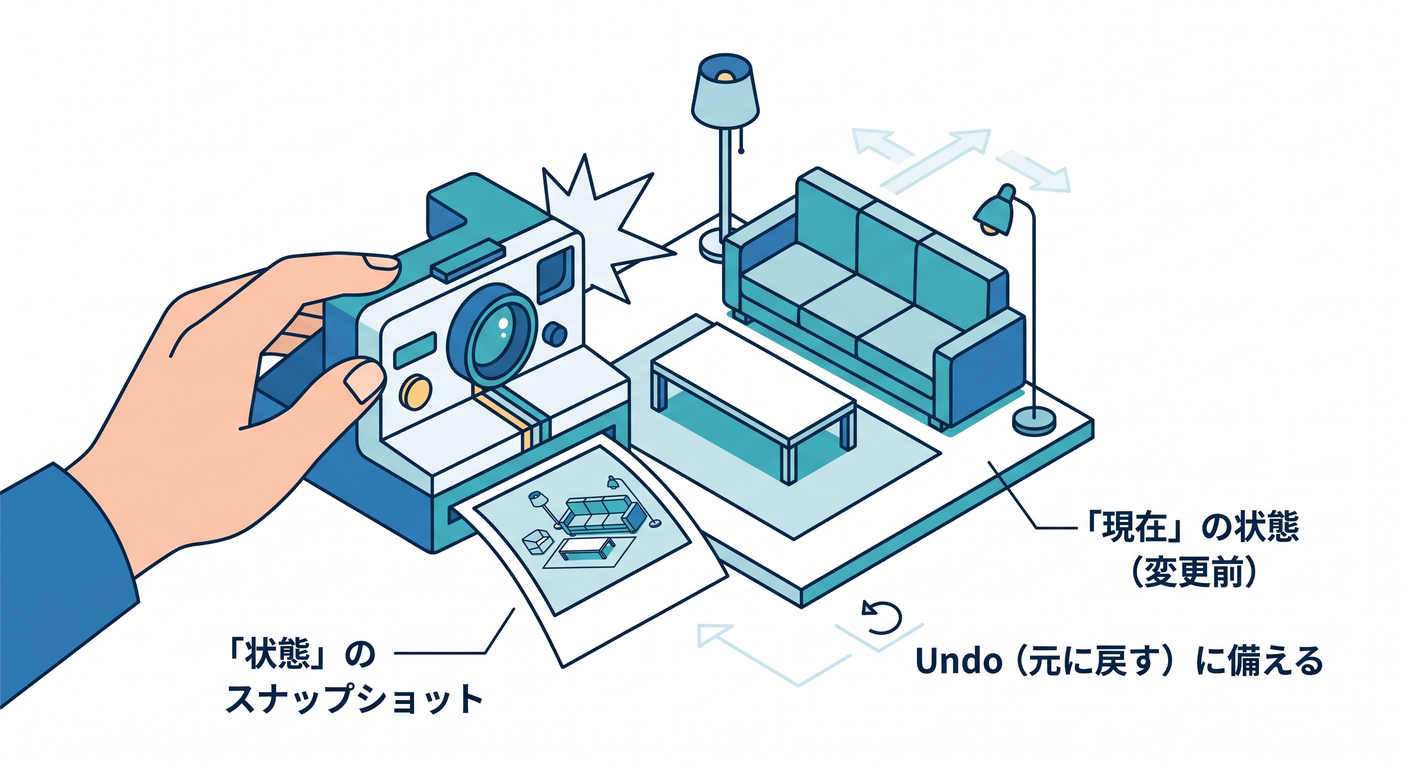
- do()した瞬間の 実行前state を覚えておいて
- undo()で そのstateに戻す
小〜中規模のUIならこれで超十分だよ🙆♀️
import type { AppState, Command } from "./command-core";

// toppingを追加するCommandを作る🍓
export function addTopping(topping: string): Command<AppState> {
  let before: AppState | null = null;

  return {
    name: `add:${topping}`,
    do: (state) => {
      before = state;

      // すでに同じトッピングがあればそのまま(仕様は自由)🙂
      if (state.order.toppings.includes(topping)) return state;

      return {
        ...state,
        order: {
          ...state.order,
          toppings: [...state.order.toppings, topping],
        },
      };
    },
    undo: (_stateNow) => {
      // do前に戻す(doが呼ばれてないなら現状維持)
      return before ?? _stateNow;
    },
  };
}

// toppingを削除するCommandを作る🧹
export function removeTopping(topping: string): Command<AppState> {
  let before: AppState | null = null;

  return {
    name: `remove:${topping}`,
    do: (state) => {
      before = state;

      if (!state.order.toppings.includes(topping)) return state;

      return {
        ...state,
        order: {
          ...state.order,
          toppings: state.order.toppings.filter((t) => t !== topping),
        },
      };
    },
    undo: (_stateNow) => before ?? _stateNow,
  };
}
✅ “スナップショット方式”の注意⚠️
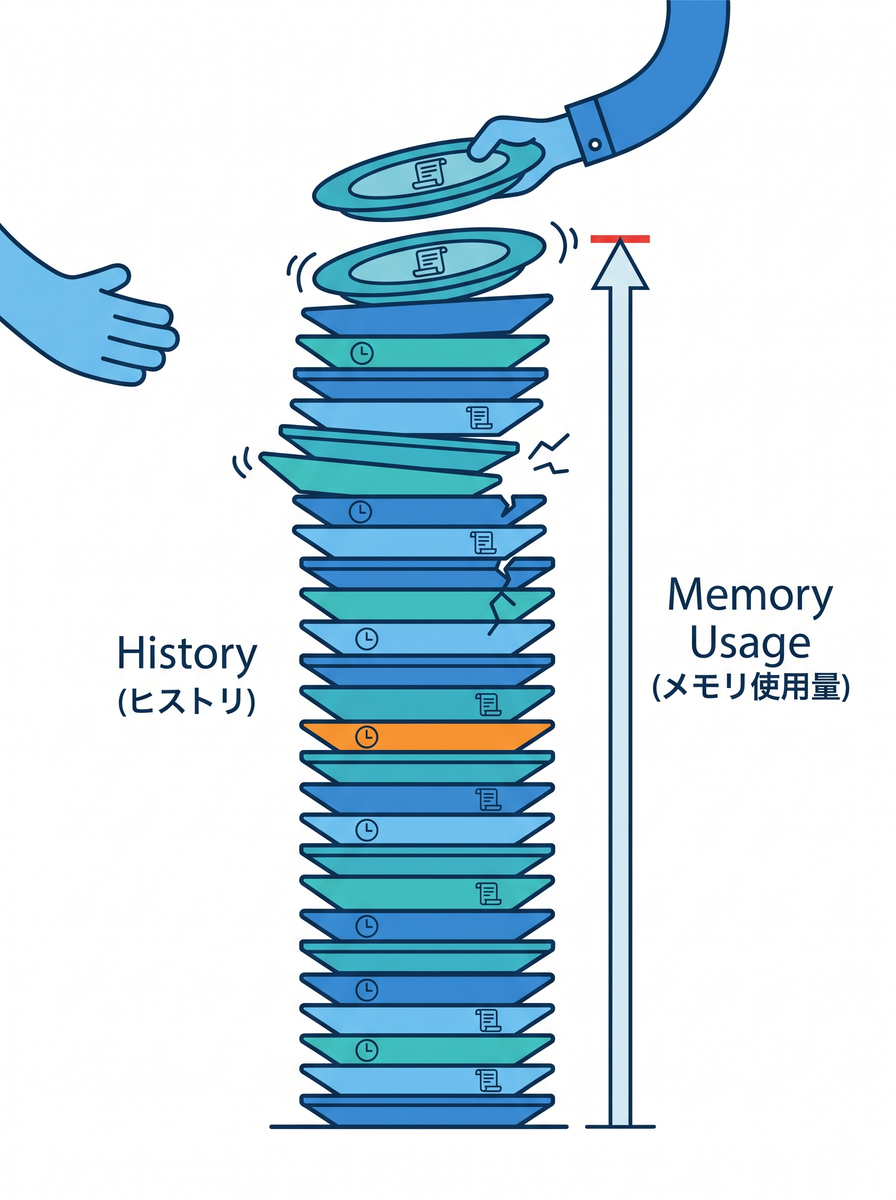
- 同じCommandインスタンスを使い回さない(beforeが上書きされて事故る🥲)
→ ボタン押下のたびに
addTopping(...)を呼んで「新しいCommand」を作ってね✨ - 履歴が長いとメモリを使う(必要なら上限を決める📏)
5) 使ってみよう:履歴に積んでUndoする📚↩️
import { createHistory, execute, undo } from "./command-core";
import { addTopping, removeTopping } from "./cafe-commands";

const initial = {
  order: { id: "o1", basePrice: 450, toppings: [] as const },
} as const;

const h = createHistory(initial);

execute(h, addTopping("whip"));       // 追加🍦
execute(h, addTopping("choco"));      // 追加🍫
execute(h, removeTopping("whip"));    // 削除🧹

console.log(h.state.order.toppings);  // ["choco"]

undo(h); // removeを取り消し↩️
console.log(h.state.order.toppings);  // ["whip","choco"]

undo(h); // add chocoを取り消し↩️
console.log(h.state.order.toppings);  // ["whip"]
6) テスト:標準の node:test でUndoを守る🧪✨
Nodeの組み込みテストランナー(node:test)は**安定版(Stable)**になっていて、追加ライブラリなしで書けるよ✅ (Node.js)
(もちろんVitest/Jestも人気!最近だとVitest 4.xが出てたり、Jestは30系が安定版だよ📌)(Vitest)
import test from "node:test";
import assert from "node:assert/strict";

import { createHistory, execute, undo } from "./command-core";
import { addTopping, removeTopping } from "./cafe-commands";

test("Command + history: undo restores previous state", () => {
  const initial = {
    order: { id: "o1", basePrice: 450, toppings: [] as const },
  } as const;

  const h = createHistory(initial);

  execute(h, addTopping("whip"));
  execute(h, addTopping("choco"));
  execute(h, removeTopping("whip"));

  assert.deepEqual(h.state.order.toppings, ["choco"]);

  undo(h);
  assert.deepEqual(h.state.order.toppings, ["whip", "choco"]);

  undo(h);
  assert.deepEqual(h.state.order.toppings, ["whip"]);

  undo(h);
  assert.deepEqual(h.state.order.toppings, []);
});

test("undo on empty history does nothing", () => {
  const initial = {
    order: { id: "o1", basePrice: 450, toppings: [] as const },
  } as const;

  const h = createHistory(initial);

  undo(h);
  assert.deepEqual(h.state, initial);
});
7) “副作用”をどうする?(まずは分離が正解)🧯✨
Undoが難しくなるのは、だいたいここ👇
- API呼び出し📡
- DB更新🗄️
- ファイル書き込み📁
最初は、Commandの do/undo を **純粋(state→state)**に保とう🧊 どうしても副作用が必要なら:
- 副作用は外側でやる(例:doで「やるべきこと」を返して、実行は別レイヤ)
- もしくは「取り消し用の補償処理(compensating action)」を別で用意する (このへんは次章のキュー/リトライ感覚に繋がるよ🧾)
8) よくあるつまずき回避💡(チェックリスト✅)
- ✅ Commandを“使い回さない”(毎回生成する)
- ✅ stateをミューテートしない(
push/spliceは封印しよ🥹) - ✅ 仕様を決める:「同じトッピング2回OK?」みたいなやつ🍓🍓
- ✅ 履歴上限を決める(UIなら50〜200とかで十分なこと多い📏)
- ✅ 取り消し不能な操作は、最初からCommandにしない(境界を引く✂️)
9) AIプロンプト例🤖💬(そのままコピペOK)
次の条件で、TypeScriptのCommand(関数Command)を改善して!
- Commandは do/undo の2関数
- 履歴は配列スタック
- stateは不変更新(ミューテート禁止)
- エッジケース:undo空、同一操作の連続、重複トッピング仕様
出力:
1) 改善ポイント
2) 改善後コード
3) テストケース(node:test か Vitest)
(AI支援は、GitHubのCopilotや、Microsoft製ツール、OpenAI系のCodexなどを“下書き&テスト案出し”に使うのが相性いいよ💡)
つまずき回避💡:副作用の範囲を小さく🧊
Undoがつらいのは「外部に何かしちゃった時」😵💫 まずは メモリ上の状態だけでCommand+Undoに慣れようね📚✨