第20章:型安全① まずは“弱め”でOK(最低限ルール)🙂
まず「最新の土台」だけ共有すると、現行の安定版は TypeScript 5.9 系(5.9 の公式アナウンスあり)で、公式の 5.9 リリースノートも 2026-01 に更新されています🧡 (Microsoft for Developers) なのでこの章は「TypeScript 5.9 世代の前提」で進めるね〜☺️✨
1) なんで“弱め”からでいいの?🙂🌱
型を最初からガチガチにすると…👇
- ルールが多すぎて「やる気」が先に死ぬ😵💫
- 型のための型になって、肝心の設計が見えなくなる🙈
- “状態機械のうまみ”は 「状態変更点が1箇所」 だけでも爆上がりする💥✨
だからこの章は、最低限のルール 3〜5個だけで「事故率」を一気に下げるよ〜🚗💨
2) 最低限ルール(これだけ守ればOK)📜✨
ルール①:状態を変更できるのは「transition」だけ🧠➡️🧠
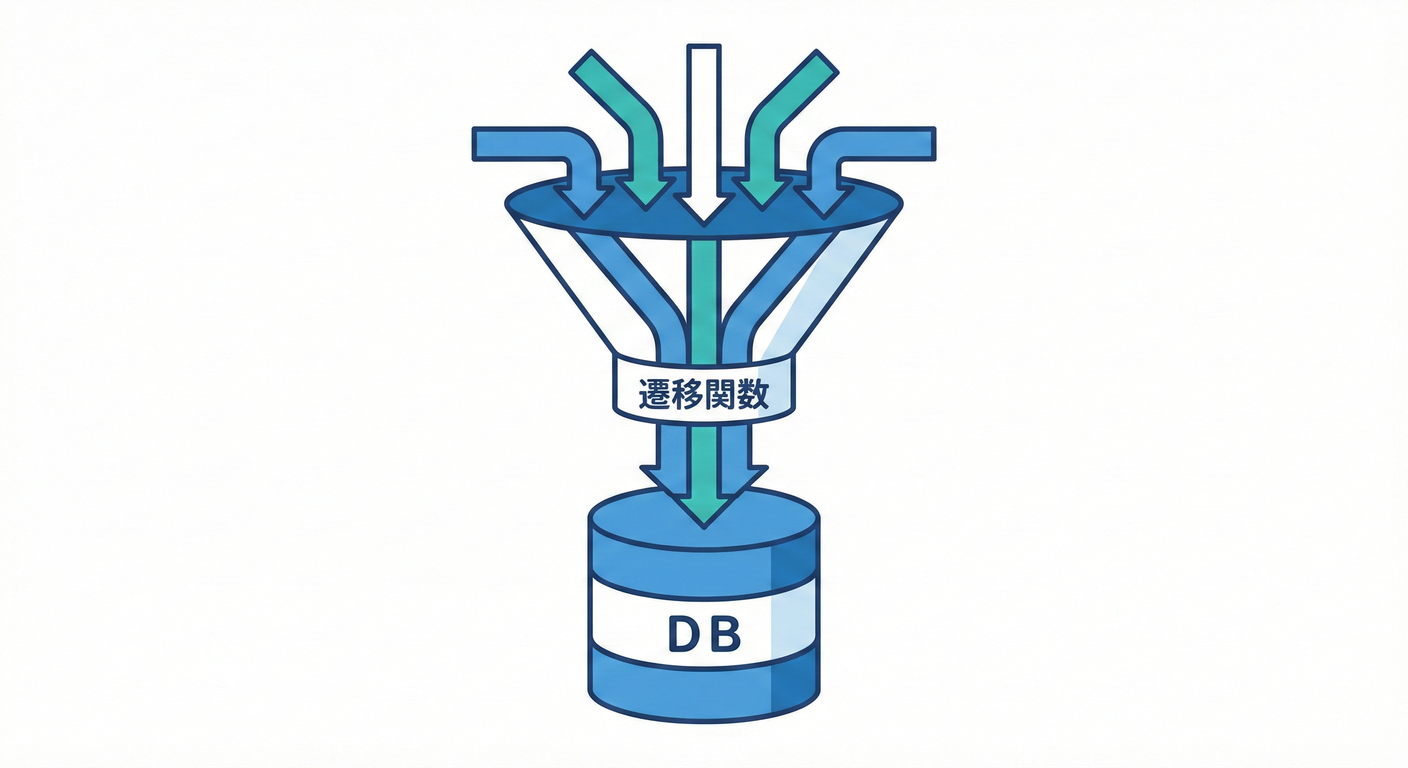
- “状態が変わる場所”が散らばると、バグの発生源が増えるよ😭
- 状態変更は1箇所に閉じ込めよう🔒✨
ルール②:状態とContextは「外から直接いじらない」🙅♀️🧼

- UI側で
context.xxx = ...みたいに触るのを禁止🚫 - 更新は必ず
transition内で「新しいオブジェクトを返す」方式に寄せる🫶
ルール③:イベントは “型” で作って “型” で送る🎫✨
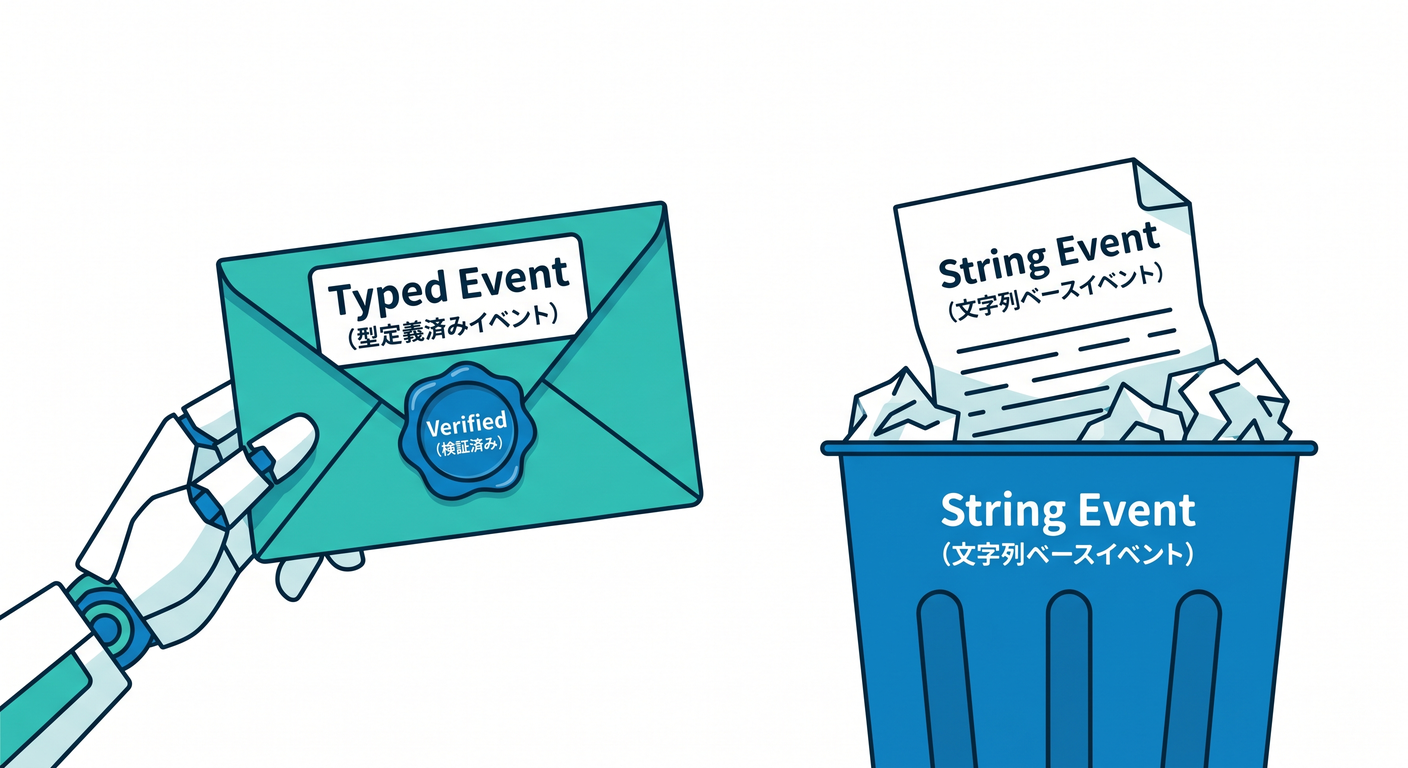
- “文字列で送るイベント”は地味に事故る😇
- 送るイベントは 判別可能ユニオンに統一!(第18章の復習だね😉)
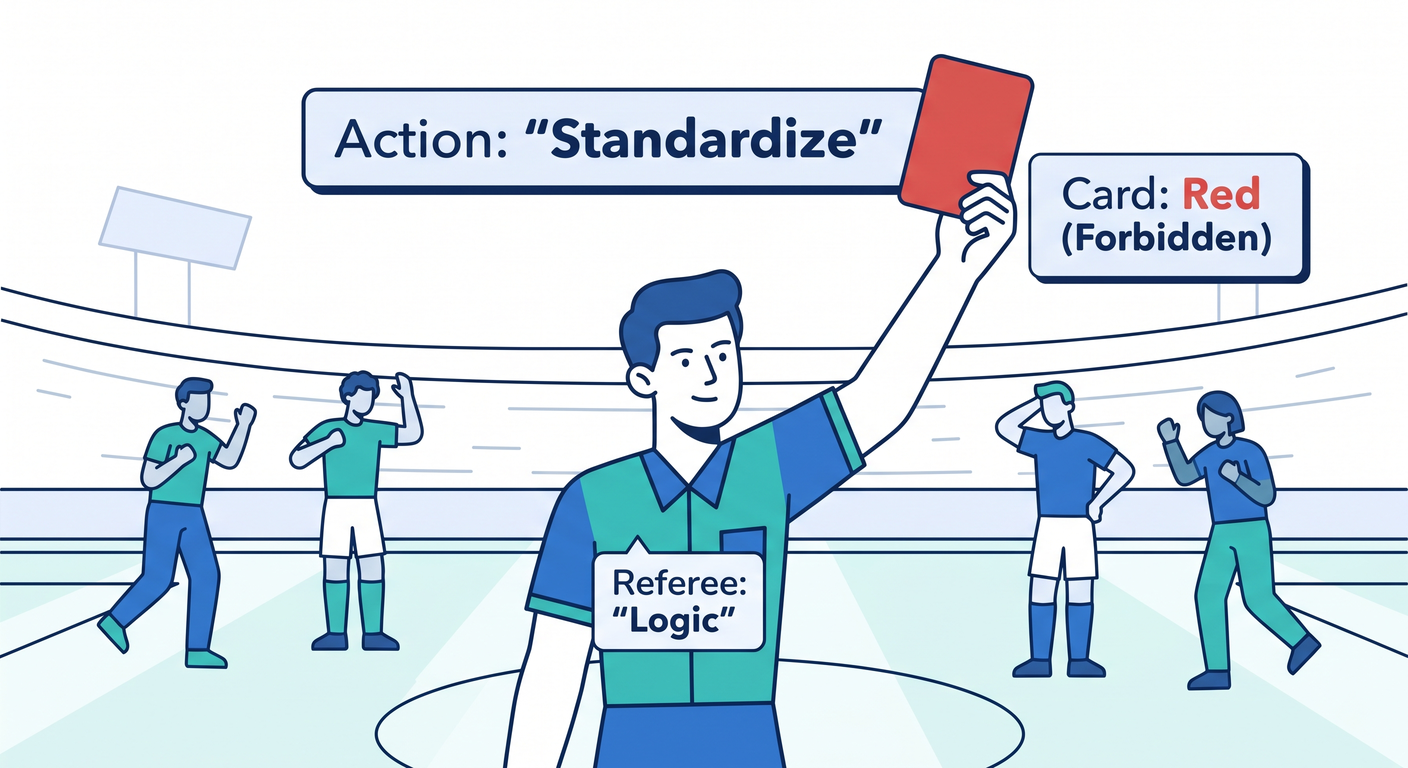
ルール④:禁止遷移は「統一ルール」で処理する🚫✅
-
ケースごとに「無視」「例外」「ログだけ」って混ぜると、地獄が始まる🔥
-
初心者におすすめは👇
- 基本:戻り値で “失敗” を返す(例外は最後の手段)🙂
ルール⑤:「型だけ」じゃなく、最低限のランタイム安全も置く🧯

- 型はコンパイル時、現実は実行時に壊れることもある🥲
- まずは 禁止遷移を握りつぶさず可視化(ログ/理由つき失敗)でOK✨
3) 成果物:この章の“弱め型安全”テンプレ(コピペOK)🧩✨
ポイントはこれ👇
transition(model, event)が唯一の状態変更ルート- 戻り値で「成功/失敗」を表現(禁止遷移の統一)
- 副作用は
effectsに積んで外で実行(第14〜16章の流れに合うよ🫶)
// 例:フォーム送信ミニ状態機械(弱め型安全テンプレ)

type State = "idle" | "editing" | "submitting" | "success" | "error";

type Context = {
  email: string;
  message: string;
  requestId?: string;
  errorMessage?: string;
};

type Event =
  | { type: "START_EDIT" }
  | { type: "CHANGE_EMAIL"; value: string }
  | { type: "CHANGE_MESSAGE"; value: string }
  | { type: "SUBMIT" }
  | { type: "RESOLVE_SUCCESS"; requestId: string }
  | { type: "RESOLVE_ERROR"; message: string }
  | { type: "RESET" };

type Effect =
  | { type: "LOG"; text: string }
  | { type: "API_SUBMIT"; payload: { email: string; message: string; requestId: string } };

type Model = { state: State; ctx: Context };

type TransitionOk = { ok: true; model: Model; effects: Effect[] };
type TransitionNg = { ok: false; model: Model; reason: string; effects: Effect[] };
type TransitionResult = TransitionOk | TransitionNg;

const ok = (model: Model, effects: Effect[] = []): TransitionOk => ({ ok: true, model, effects });
const ng = (model: Model, reason: string, effects: Effect[] = []): TransitionNg => ({ ok: false, model, reason, effects });

const newRequestId = (): string => crypto.randomUUID();

export function transition(model: Model, event: Event): TransitionResult {
  const { state, ctx } = model;

  // ついでに最低限ログ(やりすぎない)
  const log = (to: State) => [{ type: "LOG", text: `${state} --(${event.type})-> ${to}` } as const];

  switch (state) {
    case "idle": {
      if (event.type === "START_EDIT") {
        return ok({ state: "editing", ctx }, log("editing"));
      }
      if (event.type === "RESET") {
        return ok(model, [{ type: "LOG", text: "idle reset (noop)" }]);
      }
      return ng(model, `idle では ${event.type} はできないよ`, [{ type: "LOG", text: "invalid transition" }]);
    }

    case "editing": {
      if (event.type === "CHANGE_EMAIL") {
        return ok({ state, ctx: { ...ctx, email: event.value } });
      }
      if (event.type === "CHANGE_MESSAGE") {
        return ok({ state, ctx: { ...ctx, message: event.value } });
      }
      if (event.type === "SUBMIT") {
        const requestId = newRequestId();
        const nextModel: Model = { state: "submitting", ctx: { ...ctx, requestId, errorMessage: undefined } };
        return ok(nextModel, [
          ...log("submitting"),
          { type: "API_SUBMIT", payload: { email: ctx.email, message: ctx.message, requestId } },
        ]);
      }
      if (event.type === "RESET") {
        return ok({ state: "idle", ctx: { email: "", message: "" } }, log("idle"));
      }
      return ng(model, `editing では ${event.type} はできないよ`);
    }

    case "submitting": {
      if (event.type === "RESOLVE_SUCCESS") {
        return ok({ state: "success", ctx: { ...ctx, requestId: event.requestId } }, log("success"));
      }
      if (event.type === "RESOLVE_ERROR") {
        return ok({ state: "error", ctx: { ...ctx, errorMessage: event.message } }, log("error"));
      }
      if (event.type === "RESET") {
        return ok({ state: "idle", ctx: { email: "", message: "" } }, log("idle"));
      }
      return ng(model, `submitting 中は ${event.type} はできないよ(キャンセル等は第25章で増やすよ)`);
    }

    case "success": {
      if (event.type === "RESET") {
        return ok({ state: "idle", ctx: { email: "", message: "" } }, log("idle"));
      }
      return ng(model, `success では ${event.type} はできないよ`);
    }

    case "error": {
      if (event.type === "START_EDIT") {
        return ok({ state: "editing", ctx: { ...ctx, errorMessage: undefined } }, log("editing"));
      }
      if (event.type === "RESET") {
        return ok({ state: "idle", ctx: { email: "", message: "" } }, log("idle"));
      }
      return ng(model, `error では ${event.type} はできないよ`);
    }
  }
}
「状態を外からいじれない」使い方(send だけ公開)📮✨
type EffectRunner = (effect: Effect) => Promise<void> | void;

export function createMachine(initial: Model, runEffect: EffectRunner) {
  let current = initial;

  const get = () => current;

  const send = async (event: Event) => {
    const r = transition(current, event);

    // ルール④:禁止遷移は統一対応(ここでは “失敗として返す”)
    if (!r.ok) {
      // 例外を投げずに、呼び出し側が扱える形にする🙂
      r.effects.forEach(runEffect);
      return r;
    }

    current = r.model;
    for (const e of r.effects) await runEffect(e);
    return r;
  };

  return { get, send };
}
これで 「状態が変わる場所=transition」 が守れるよ〜🥳🔒
4) コンパイラ側の“最低ライン”も軽く入れよ🙂🧰
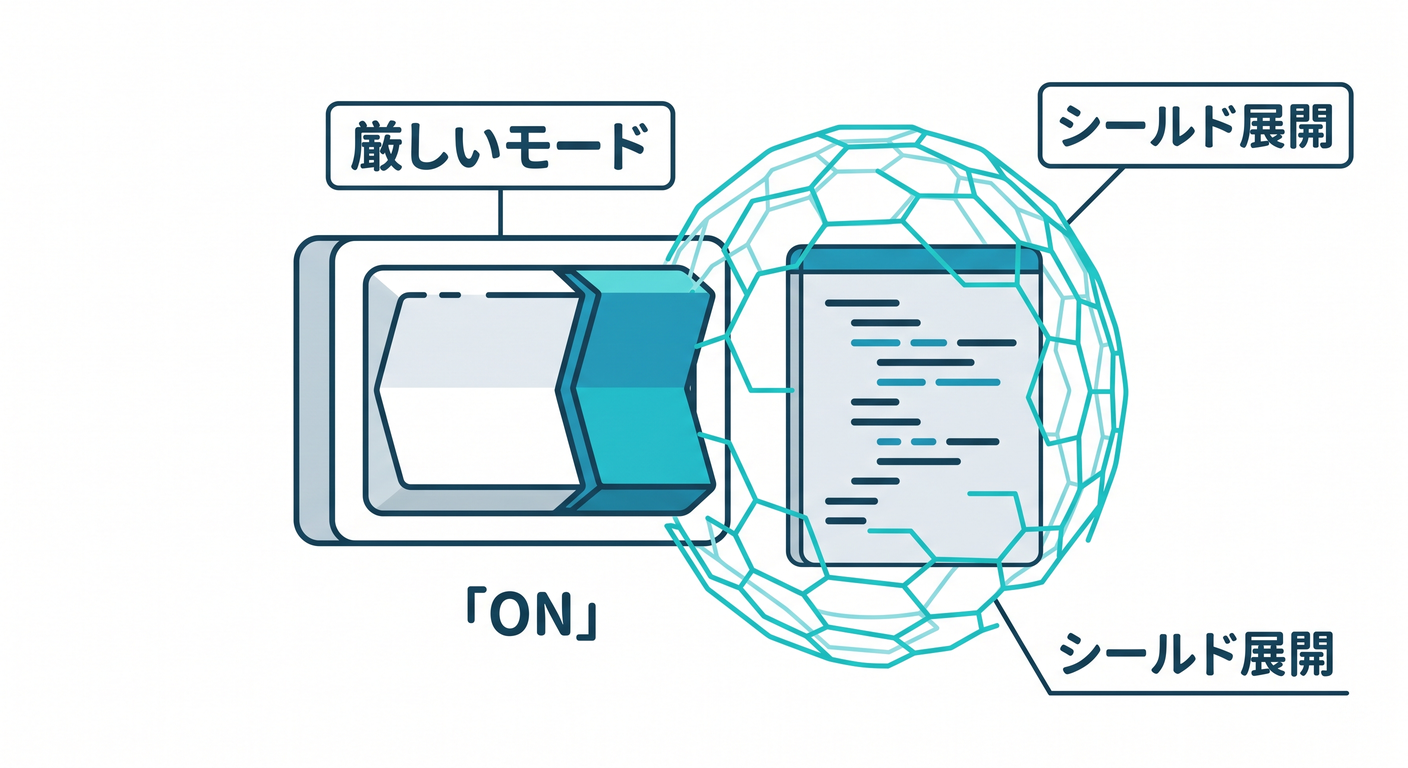
まずは “全部盛り” じゃなくてOK!でも 「strict」はONがおすすめ✨ (tsconfig の各オプションは公式リファレンスにまとまってるよ📚) (TypeScript)
{
  "compilerOptions": {
    "strict": true
  }
}
strict の中でも特に効くのが「null/undefined をちゃんと扱わせる」やつで、これがバグ予防に強いんだよね🧡 (TypeScript入門『サバイバルTypeScript』)
あと、TypeScript 5.9 では tsc --init が “よりミニマル&更新された形” を吐くようにもなってるよ(設定のスタートが楽になるやつ✨) (Microsoft for Developers)
5) Copilot / Codex に投げると強いプロンプト例🤖✨
- 「この State/Event/Context から transition の switch を全部生成して。禁止遷移は
ng()で返して」 - 「transition 内で context をミューテートしてないかレビューして、危ない行を指摘して」
- 「イベント追加したから、影響する state の遷移を洗い出して」
💡コツ:AIに“生成”させたら、ルール①〜④に合ってるかだけ人間が最終確認すると爆速だよ〜🏎️💨
6) ミニ演習(15〜25分)⏱️🎀
Eventに{ type: "CANCEL" }を追加してみて🧪
submittingのときだけeditingに戻れる、みたいにしてみよ🙂
- 禁止遷移の
reasonを、もっとユーザー向けにしてみて💬
- 例:「送信中だよ。少し待ってね」みたいに✨
Effectに{ type: "TOAST"; text: string }を足して、
errorに入った瞬間だけトースト出す、みたいにしてみよ🍞✨
7) この章のまとめ(超たいせつ)💖
- “弱め型安全”の勝ち筋は 「状態変更を1箇所に閉じる」 こと🧠🔒
- 禁止遷移は 統一ルールで返す(まずは戻り値でOK)🚫✅
strictだけでもバグ減るから、最初の一歩にちょうどいい🙂✨ (TypeScript)
次の第21章では、これを「遷移表(Record)で読みやすくする」方向に進めて、仕様=コードに寄せていくよ〜📋✨